In today's fast-paced digital economy, businesses and professionals need more than just a simple web presence; they need a comprehensive suite of digital tools and solutions that drive growth, streamline workflows, and enhance productivity. QuickRectify was founded on the principle that high-quality digital transformation should be accessible to everyone—from solo entrepreneurs to enterprise-level organizations.
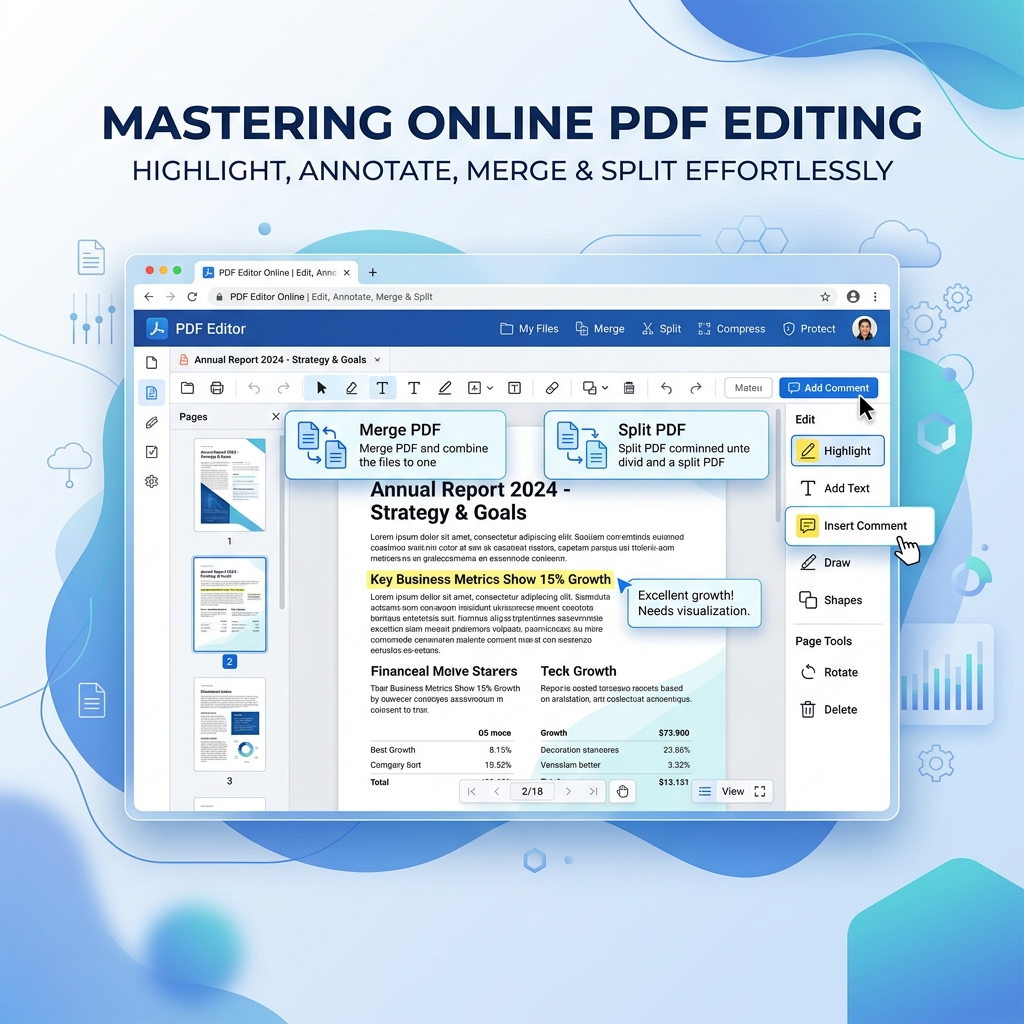
We offer a powerful suite of digital utilities designed for everyone. We host a massive, constantly evolving library of over 21 free online tools designed to solve everyday digital hurdles. Whether you need to merge critical PDF documents, convert files, or perform text processing, QuickRectify has a solution tailored for you.
 Rahul Das•📅 Jun 6, 2026⏱️5 min read