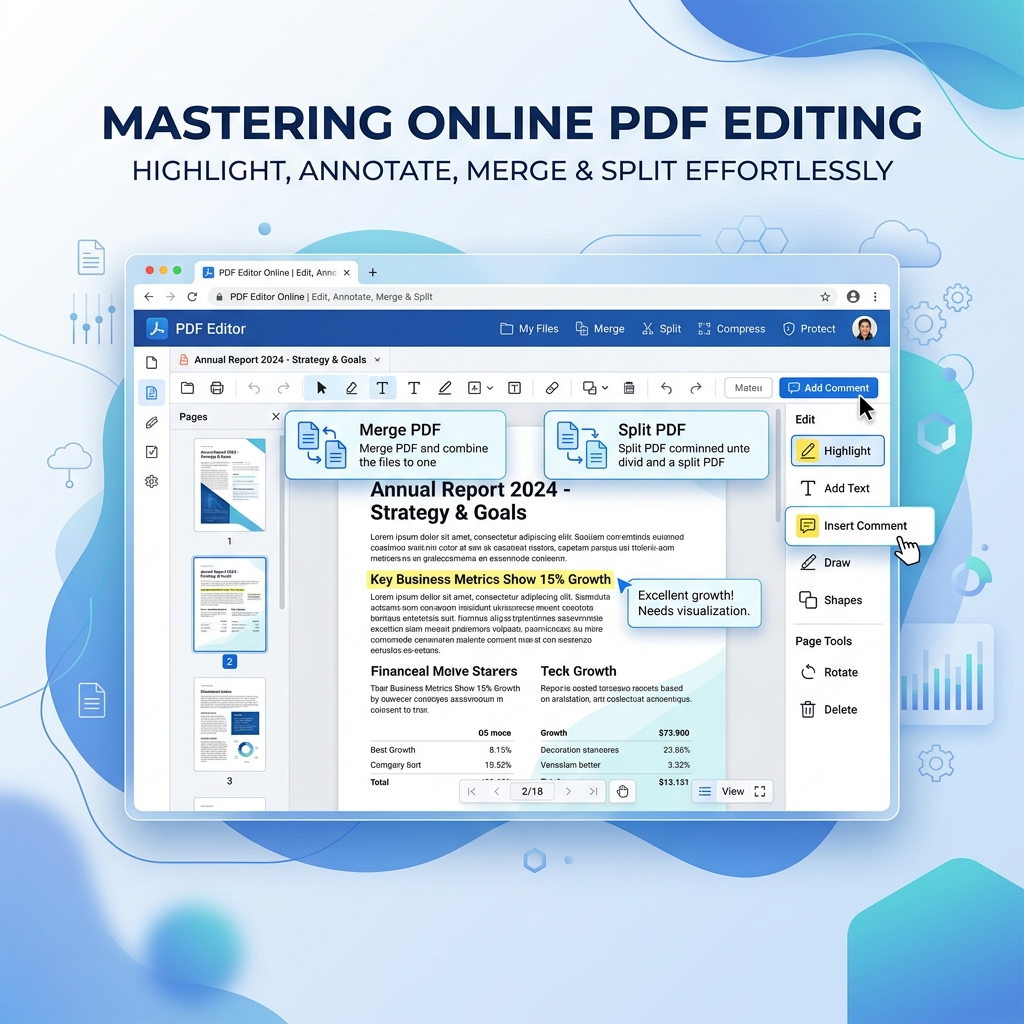
Need to share a PDF document as images for a presentation or social media? QuickRectify's advanced tool empowers you to extract images from PDF securely with a few simple clicks, without compromising on image quality or data privacy.
A Truly Offline PDF to JPG Converter
Cloud-based conversion tools require you to upload your files, exposing your sensitive documents to potential breaches. We engineered this tool to be a PDF to JPG converter offline. The conversion happens entirely on your local machine using your browser's processing capabilities. Zero data uploads guarantee that your files remain 100% private.
High-Quality Image Extraction
We understand that readability is critical. Our rendering engine scales up your PDF document pages before converting them, guaranteeing high-quality image extraction. Every chart, text block, and photograph within your PDF is transformed into a crisp, clear JPG file ready for professional use.
Extract JPG from PDF in Seconds
By removing the need for server uploads, you skip the wait times entirely. Whether your PDF has 1 page or 100 pages, our browser-based tool allows you to extract JPG from PDF instantly and download them as a convenient ZIP archive. Experience lightning-fast processing with absolute security.
How to use PDF to JPG Extractor
- Select the PDF file: Drag and drop the PDF you wish to convert into the selection area.
- Automatic high-quality rendering: Our engine analyzes the pages for optimal image extraction.
- Convert to JPG offline: Click the convert button. The pages are rasterized securely inside your browser.
- Download images: Download a single JPG or a ZIP archive containing all extracted high-resolution pages.