HomePDF ToolsOnline PDF Editor

or drop PDF here to start editing

Maximum file size: 50MB

Online PDF Editor

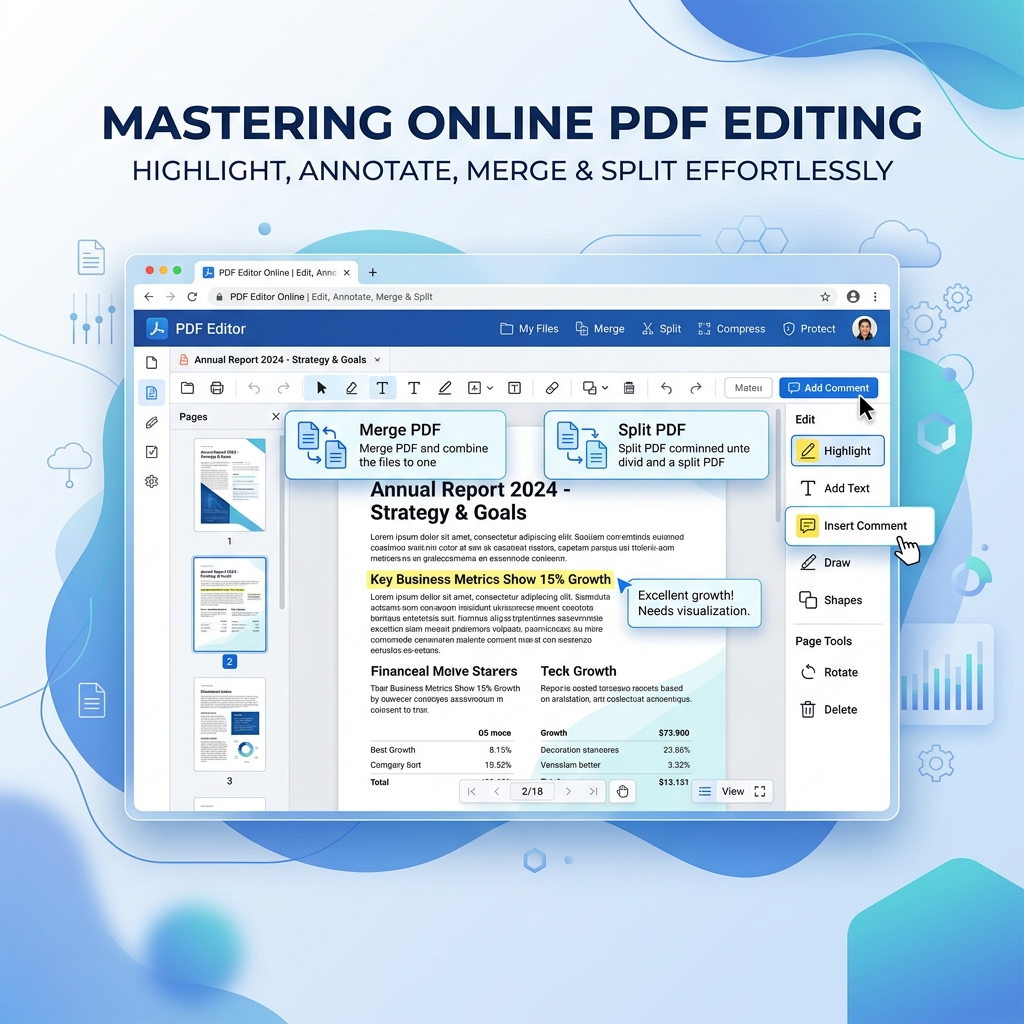
Edit PDF text accurately while preserving the original layout and professional design.

100% Secure Browser-Based

How to use this tool?

1

Select 'Text' tool to see all editable content highlighted with dashed lines.

2

Click on any word or sentence to instantly edit it using its original font.

3

Use the bottom 'Apply Changes' button to download your professional edited document.

Free PDF Editor No Watermark | Edit PDFs Online

The best free online PDF editor with no watermarks and no sign-up required. Edit text, add signatures, and whiteout securely.

Frustrated by "free" tools that ruin your professional documents with giant logos? Welcome to the best Free PDF Editor No Watermark on the internet. We believe editing your files should be completely free, secure, and clean.

Why Choose Our Free PDF Editor?

Our tool provides a professional-grade editing experience. You can edit existing text, drop in new images, and sign contracts without worrying about a watermark being stamped on your final export. It's the perfect free online PDF editor with no watermark for students and US businesses.

How to use Free Online PDF Editor

  1. Upload your PDF: Select the document you wish to edit directly from your device. No registration is required.
  2. Choose a tool: Use the text tool to edit existing paragraphs, or use drawing, whiteout, and signature tools.
  3. Edit PDF Securely: Make your changes. All edits are processed locally in your browser for absolute privacy.
  4. Download: Click 'Apply Changes' to save your edited PDF instantly without any watermarks.

Frequently Asked Questions

How do I edit a PDF online for free?
Upload your file to our Free PDF Editor. You can use the 'Text' tool to edit existing text or add new paragraphs. You can also draw, whiteout, and add signatures directly in your browser.
Is this a free online PDF editor with no watermark?
Yes, our tool is 100% free and will never add a watermark to your edited document. What you see is what you get.
Is it safe to edit confidential PDFs online?
Absolutely. Our advanced PDF editor uses local browser processing. Your confidential files are never uploaded to our servers, ensuring complete enterprise-grade privacy.
Can I white out text in a PDF?
Yes, select the 'Whiteout' tool from the menu and draw over any text, images, or sensitive information (like SSNs or bank details) to permanently redact it.

Popular Tools