We value your privacy

We use cookies to enhance your browsing experience, serve personalized ads or content, and analyze our traffic. By clicking "Accept All", you consent to our use of cookies. Read our Privacy Policy for more information.

Technology

Top 10 Free Tools Every Freelance Developer Needs in 2026

Rahul Das
June 15, 2026
5 min read
Top 10 Free Tools Every Freelance Developer Needs in 2026
FreelanceDeveloper ToolsProductivityFree Tools
Share this article:
AI

AI Search & Quick Summary

Key Takeaway: The 10 essential free tools every freelance developer needs in 2026 — from VS Code and GitHub to Postman and QuickRectify. Build a professional toolkit without spending a dime.

Optimized for AI Search Engines & Google AI Overviews.

Building a Professional Toolkit Without Spending a Dime

Freelance development is booming in 2026. With companies increasingly hiring remote contractors and the gig economy maturing, developers who can deliver quality work independently are in massive demand. But unlike corporate employees who get enterprise software licenses, freelancers need to build their own toolkit — and it does not have to cost anything.

Here are the 10 essential free tools that power successful freelance development careers in 2026, from coding to client communication.

1. Visual Studio Code — The Code Editor

VS Code is not just a text editor; it is a complete development environment. With over 40,000 extensions, it adapts to any programming language or framework you work with.

  • Key extensions: Prettier (formatting), ESLint (linting), GitLens (Git history), Live Server (local preview)
  • Why freelancers love it: Workspace settings let you configure different projects independently
  • Cost: 100% free, open source

2. GitHub — Version Control and Portfolio

GitHub serves double duty for freelancers: it is both your version control system and your public portfolio. Clients often check your GitHub profile before hiring you.

  • Free tier includes: Unlimited public and private repos, GitHub Actions CI/CD, GitHub Pages hosting
  • Pro tip: Pin your best 6 repositories and write detailed READMEs with screenshots
  • Cost: Free for individual developers

3. Figma — Design and Prototyping

Even if you are not a designer, understanding Figma is essential. Clients send mockups in Figma, and being able to inspect designs, export assets, and even make minor tweaks saves enormous time.

  • Free tier includes: 3 Figma files, unlimited viewers, Dev Mode inspect
  • Why it matters: 78% of design teams use Figma as their primary tool
  • Cost: Free for up to 3 projects

4. Notion — Project and Knowledge Management

Notion replaces separate apps for notes, wikis, databases, and project boards. As a freelancer managing multiple clients, having everything in one searchable workspace is transformative.

  • Use it for: Client briefs, meeting notes, invoice tracking, project timelines
  • Free tier includes: Unlimited pages and blocks for individuals
  • Cost: Free for personal use

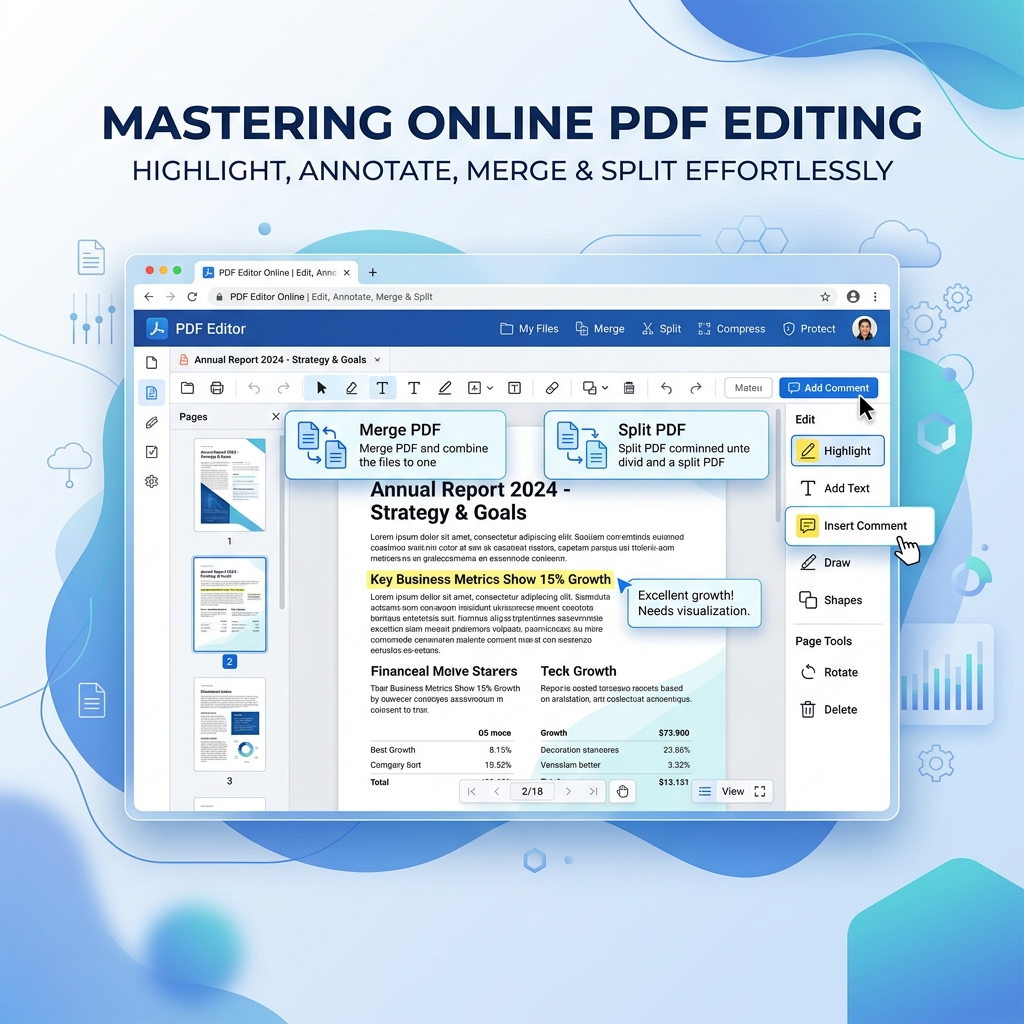
5. QuickRectify PDF Tools — Document Management

Freelancers deal with contracts, invoices, proposals, and NDAs constantly. Having a reliable set of PDF tools that works directly in your browser — no uploads, no subscriptions — is invaluable.

  • Key tools: Merge PDF (combine proposals), Compress PDF (email-friendly invoices), Word to PDF (contracts), Protect PDF (NDAs)
  • Why it stands out: Files never leave your browser — critical for client confidentiality
  • Cost: 100% free, no account required

6. Postman — API Development and Testing

If you build or consume APIs (and in 2026, almost every project does), Postman is indispensable. It lets you test endpoints, create API documentation, and share collections with team members.

  • Free tier includes: Unlimited API requests, collections, environments, basic monitoring
  • Pro tip: Create a collection for each client project with saved auth tokens
  • Cost: Free for individuals

7. Vercel — Deployment and Hosting

Vercel makes deploying frontend projects effortless. Connect your GitHub repo and every push automatically deploys. Perfect for client demos and production sites.

  • Free tier includes: Unlimited deployments, custom domains, SSL, serverless functions
  • Supported frameworks: Next.js, React, Vue, Svelte, Astro, and more
  • Cost: Free for personal and hobby projects

8. Canva — Visual Content Creation

Not every freelance task is pure code. Sometimes you need to create social media graphics, presentation slides, or mockup images for a client project. Canva makes this accessible even if you are not a designer.

  • Free tier includes: 250,000+ templates, basic photo editing, PDF export
  • Use cases: Client presentations, project proposal decks, social media assets
  • Cost: Free with optional Pro upgrade

9. Linear — Issue Tracking

For freelancers managing complex projects with many moving parts, Linear provides a clean, fast issue tracker that feels like it was built by developers for developers.

  • Free tier includes: Unlimited issues, cycles, and roadmaps for small teams
  • Why not Jira: Linear is 10x faster, cleaner UI, and keyboard-first navigation
  • Cost: Free for up to 250 issues

10. ChatGPT / AI Assistants — Productivity Multiplier

AI coding assistants have become an essential part of the freelance developer toolkit. They help with boilerplate code, debugging, documentation, and even client communication drafts.

  • Best free options: ChatGPT (free tier), Google Gemini, Claude (free tier)
  • Use responsibly: Always review AI-generated code for security and correctness
  • Biggest time saver: Writing unit tests and documentation

Building Your Workflow

The key to freelance productivity is not having the most tools — it is having the right tools connected in a smooth workflow:

  1. Client sends requirements → Notion (project brief)
  2. Design phase → Figma (inspect client mockups)
  3. Development → VS Code + GitHub (code and version control)
  4. API work → Postman (test and document APIs)
  5. Deployment → Vercel (one-click deploy)
  6. DocumentsQuickRectify (contracts, invoices, proposals)
  7. Communication → Notion + Canva (updates and presentations)

Frequently Asked Questions

Do freelancers need expensive software?

No. Every tool listed above is free for individual use. The era of needing expensive licenses to be a professional developer is over. The free tiers of modern SaaS tools provide more than enough functionality for most freelance projects.

What is the best free tool for web developers?

VS Code is the single most important tool. It is free, infinitely customizable, and supported by a massive community. Pair it with GitHub for version control and Vercel for deployment, and you have a professional-grade development pipeline at zero cost.

How do freelancers manage multiple projects?

Use Notion as your central hub with a database of all active projects, deadlines, and client contacts. Create separate GitHub repos and Postman collections for each client. Use VS Code workspaces to switch between projects instantly.

What is the best free design tool for developers?

Figma for UI/UX design and prototyping. Canva for quick visual content like presentations and social media graphics. Both have generous free tiers that cover most freelance needs.

Rahul Das

About the Author: Rahul Das

Tech Enthusiast, Software Developer, and Content Creator. Passionate about building scalable web applications and sharing practical knowledge to help students and professionals grow in their tech careers.

Published: June 15, 2026

Enjoyed this article?

Subscribe to our newsletter for more insights, tutorials, and industry updates delivered directly to your inbox.