We value your privacy

We use cookies to enhance your browsing experience, serve personalized ads or content, and analyze our traffic. By clicking "Accept All", you consent to our use of cookies. Read our Privacy Policy for more information.

Technology

The Ultimate Guide to Remote and Hybrid Work Collaboration in 2026

Rahul Das
May 18, 2026
13 min read
The Ultimate Guide to Remote and Hybrid Work Collaboration in 2026
Remote WorkHybrid WorkTeam CollaborationProductivityWork Culture
Share this article:
AI

AI Search & Quick Summary

Key Takeaway: Master remote and hybrid work collaboration in 2026 with proven strategies for async communication, tool selection, time zone management, security, team building, and mental health.

Optimized for AI Search Engines & Google AI Overviews.

The New Reality of Work: Why Remote and Hybrid Collaboration Matters More Than Ever

The shift to remote and hybrid work is no longer a pandemic-era experiment — it is the permanent future of how teams operate. By 2026, over 70% of knowledge workers globally work in some form of hybrid arrangement, splitting their time between home, office, and co-working spaces. Companies that have mastered remote collaboration are outperforming their office-only counterparts in productivity, employee retention, and talent acquisition.

Yet many organizations still struggle with the fundamentals. Teams battle with miscommunication, meeting fatigue, timezone chaos, and the slow erosion of company culture. The difference between a high-performing distributed team and a dysfunctional one is not the tools they use — it is the systems, processes, and cultural norms they establish around collaboration.

This comprehensive guide covers everything you need to build a world-class remote or hybrid work environment in 2026 — from choosing the right communication patterns to protecting your team's mental health.

Asynchronous vs Synchronous Communication: Finding the Right Balance

The single most important concept in remote work is understanding the difference between asynchronous (async) and synchronous (sync) communication — and knowing when to use each.

Synchronous Communication

Synchronous communication happens in real-time. This includes video calls, phone calls, live chat conversations, and in-person meetings. Sync communication is ideal for brainstorming sessions, urgent problem-solving, sensitive conversations (performance reviews, conflict resolution), team bonding and social interactions, and complex discussions requiring rapid back-and-forth.

Asynchronous Communication

Asynchronous communication does not require all parties to be present simultaneously. This includes email, recorded video messages (Loom), project management updates, shared documents with comments, and Slack messages that do not expect immediate replies. Async communication is better for status updates and progress reports, detailed technical explanations, documentation and knowledge sharing, decisions that benefit from thoughtful consideration, and communication across multiple time zones.

The Golden Ratio

High-performing remote teams in 2026 typically operate with a ratio of 70% async to 30% sync communication. This means most information sharing, updates, and routine decisions happen asynchronously, while synchronous time is reserved for high-value interactions that genuinely benefit from real-time conversation.

Building Your Remote Collaboration Tool Stack

The right tools make remote work seamless. The wrong tools — or too many tools — create friction, context-switching fatigue, and information silos. Here is a framework for selecting your collaboration stack.

Communication Tools

  • Slack: The industry standard for team messaging. Use channels organized by project, team, and topic. Set clear norms around response times and notification settings. Best for teams that value structured, searchable conversations.
  • Microsoft Teams: Ideal for organizations already invested in the Microsoft 365 ecosystem. Deep integration with Word, Excel, SharePoint, and Outlook makes it a natural choice for enterprise teams.
  • Discord: Increasingly popular for tech startups and creative teams. Voice channels that team members can drop into for quick conversations replicate the spontaneity of an office environment.

Video Conferencing

  • Zoom: Still the gold standard for reliability and features. Breakout rooms, recording, and AI-powered meeting summaries make it essential for distributed teams.
  • Google Meet: Lightweight and integrated with Google Workspace. Great for teams that want simplicity without additional software.
  • Around: Designed specifically for remote teams with always-on floating video bubbles that create ambient awareness without full meetings.

Project Management

  • Notion: The all-in-one workspace for documentation, project tracking, wikis, and databases. Particularly powerful for teams that value written communication and documentation culture.
  • Linear: The preferred tool for engineering teams in 2026. Fast, keyboard-driven, and designed for software development workflows.
  • Asana or Monday.com: Better for cross-functional teams managing diverse project types with visual workflows and automation.

Design Collaboration

  • Figma: The undisputed leader for collaborative design. Real-time co-editing, commenting, and prototyping make it essential for any team with design needs.
  • FigJam or Miro: Virtual whiteboards for brainstorming, workshops, and visual collaboration across disciplines.

Document Management

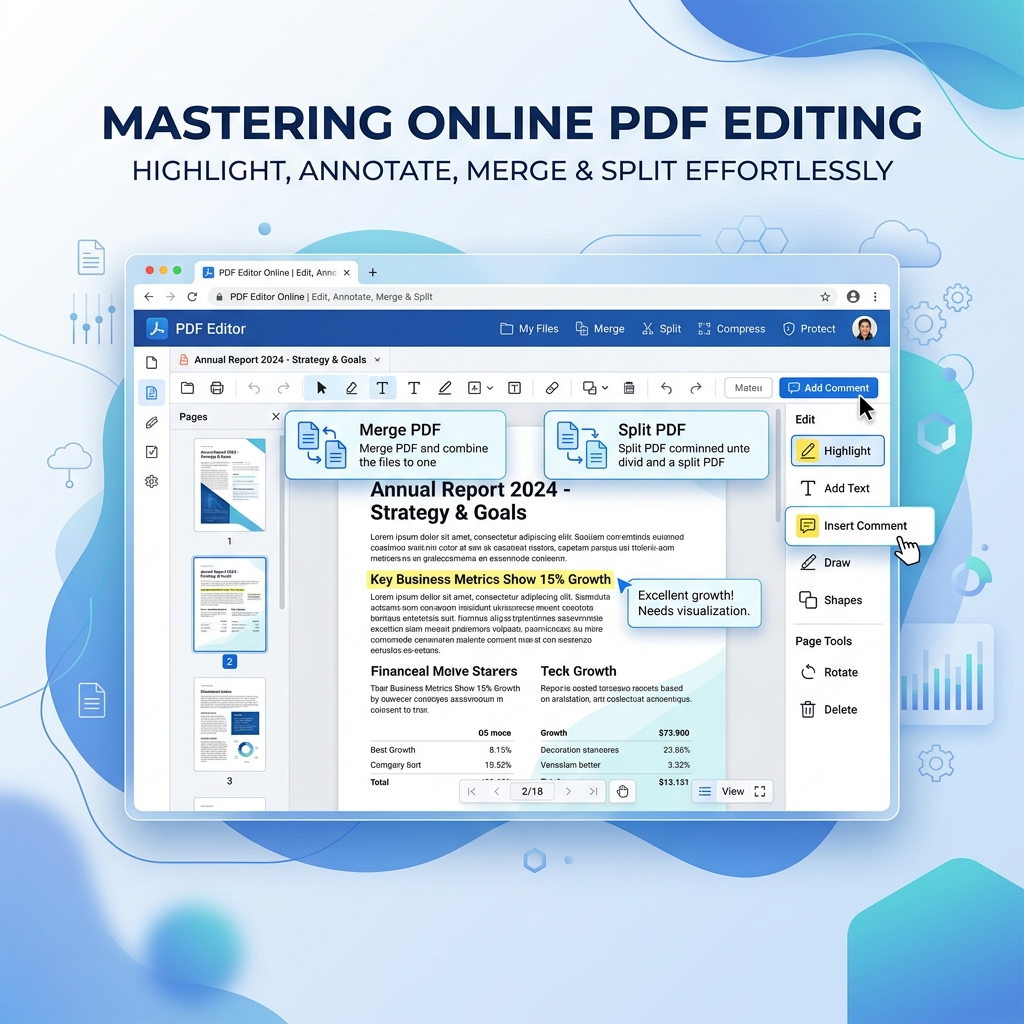
For document-heavy teams, having the right tools for creating, sharing, and managing files is crucial. Use QuickRectify's PDF tools to handle common document tasks like merging meeting notes into consolidated reports, compressing large documents for easy sharing, and converting between formats. All processing happens in your browser, making it perfect for security-conscious remote teams.

Time Zone Management: Making Global Teams Work

Working across time zones is one of the biggest challenges in remote work. A team spread across San Francisco, London, and Singapore has only a few overlapping hours each day. Mismanaging this leads to delayed decisions, excluded team members, and burnout from attending meetings at odd hours.

Strategies for Time Zone Success

  • Define core overlap hours: Identify 2-4 hours per day when all (or most) team members are available. Reserve synchronous meetings and real-time collaboration for these windows.
  • Rotate meeting times: Do not always make the same timezone accommodate inconvenient meeting times. Rotate schedules so the burden is shared fairly across the team.
  • Use timezone-aware tools: Tools like World Time Buddy, Every Time Zone, or built-in Slack timezone displays help teams stay aware of each other's working hours.
  • Record everything: Record all meetings and share detailed notes so team members in different timezones can catch up asynchronously.
  • Async-first decisions: Use written proposals with comment periods instead of meetings for decisions that do not require real-time discussion.

The Follow-the-Sun Model

Some companies leverage time zone differences as an advantage. By distributing work across timezones, projects can progress nearly 24 hours a day. A developer in India can hand off work to a colleague in Europe, who passes it to someone in the Americas. This requires excellent documentation and handoff processes but can dramatically accelerate project timelines.

Virtual Team Building: Creating Connection Without an Office

One of the biggest criticisms of remote work is that it can feel isolating. Without the organic interactions that happen in an office — coffee machine conversations, lunch outings, hallway chats — remote teams must be intentional about building social bonds.

Effective Virtual Team Building Activities

  • Virtual coffee chats: Schedule random 15-minute one-on-one conversations between team members who do not normally work together. Tools like Donut for Slack automate this pairing.
  • Show and tell sessions: Monthly sessions where team members share personal hobbies, side projects, or interesting things they have learned outside of work.
  • Online game sessions: Platforms like Jackbox Games, GeoGuessr, or collaborative games like Among Us provide lighthearted bonding opportunities.
  • Virtual coworking: Open a video call where team members work silently together, replicating the ambient presence of an office. No agenda, just shared space.
  • Annual or quarterly retreats: Bring the entire team together in person once or twice a year for intensive bonding, strategic planning, and team-building activities.

Building Culture Remotely

Culture in a remote company is not about ping-pong tables and free snacks. It is about shared values, clear communication norms, recognition practices, and psychological safety. Create public channels where team members can share wins, express gratitude, and celebrate milestones. Make recognition a regular practice — not just from managers, but peer-to-peer.

Documentation Culture: The Backbone of Remote Work

In a remote environment, if it is not written down, it does not exist. Documentation is the single most important practice that separates effective remote teams from struggling ones.

What to Document

  • Decision logs: Record every significant decision with context, alternatives considered, and rationale. This prevents relitigating decisions and helps new team members understand history.
  • Process documentation: Standard operating procedures for recurring tasks, onboarding checklists, deployment guides, and troubleshooting runbooks.
  • Meeting notes: Summary of discussions, action items with owners and deadlines, and key decisions made during every meeting.
  • Project briefs: Clear documents outlining project goals, scope, timelines, stakeholders, and success metrics before work begins.
  • Team handbook: A living document covering communication norms, tool usage guidelines, PTO policies, and cultural values.

Documentation Best Practices

Write for your future self and new team members. Use templates to ensure consistency. Keep documentation close to where work happens (in your project management tool, not buried in a shared drive). Review and update documentation quarterly to prevent staleness.

Security for Remote Workers: Protecting Company Data

With employees accessing company systems from home networks, coffee shops, airports, and co-working spaces, security is a critical concern for remote-first organizations.

Essential Security Measures

  • VPN usage: Require all team members to use a company VPN when accessing internal systems, especially on public Wi-Fi networks.
  • Two-factor authentication (2FA): Mandate 2FA on all company accounts — email, Slack, GitHub, cloud services, and administrative tools.
  • Device management: Implement Mobile Device Management (MDM) solutions to enforce security policies on company-owned and BYOD devices.
  • Password management: Provide team-wide access to a password manager like 1Password or Bitwarden. Eliminate password reuse and sharing via insecure channels.
  • Phishing training: Conduct regular security awareness training. Remote workers are prime targets for phishing attacks because they lack the ability to quickly verify requests in person.
  • Data classification: Clearly define what data can be stored locally, what must stay in approved cloud services, and what requires encryption at rest.

Secure File Sharing

When sharing sensitive documents, use tools that process files locally rather than uploading them to third-party servers. QuickRectify's PDF tools process all files directly in your browser — documents never leave your device — making it an ideal solution for security-conscious remote teams handling confidential information.

Performance Management in Remote Teams

Traditional performance management relies heavily on visibility — managers see employees at their desks and equate presence with productivity. Remote work demands a fundamentally different approach.

Outcome-Based Performance

Shift from measuring hours worked to measuring outcomes delivered. Define clear, measurable objectives for each team member. Use OKRs (Objectives and Key Results) or similar frameworks to align individual goals with team and company objectives.

Regular Check-ins

Replace annual performance reviews with frequent, lightweight check-ins. Weekly one-on-ones between managers and direct reports should cover current priorities and blockers, progress toward goals, career development and growth, and well-being and workload balance. Keep these conversations focused and action-oriented. Document agreed-upon action items and follow up consistently.

Avoiding Surveillance Culture

Resist the temptation to install monitoring software that tracks keystrokes, screenshots, or mouse movements. These tools destroy trust, increase anxiety, and paradoxically reduce productivity. If you cannot trust your team to work without surveillance, the problem is in your hiring or management — not in the work model.

Mental Health and Well-Being in Remote Work

Remote work offers tremendous flexibility but can also blur the boundaries between work and personal life. Without intentional practices, remote workers face higher risks of burnout, isolation, and anxiety.

Preventing Burnout

  • Set clear work hours: Encourage team members to define and communicate their working hours. Respect these boundaries — no Slack messages expecting responses at midnight.
  • Right to disconnect: Establish a company policy that explicitly gives employees the right to disconnect outside of working hours without fear of repercussion.
  • Mandatory PTO: Some companies require minimum PTO usage to prevent the "always available" mentality that plagues remote workers.
  • Workload monitoring: Managers should actively watch for signs of overwork — consistently late-night messages, declining quality, or withdrawal from social interactions.

Creating Psychological Safety

In a remote environment, psychological safety — the belief that you can speak up, ask questions, and make mistakes without punishment — is harder to build but even more important. Leaders should model vulnerability by admitting their own mistakes. Encourage questions in public channels rather than private DMs. Respond to failures with curiosity rather than blame.

Supporting Physical Health

Encourage team members to invest in proper ergonomic setups — a good chair, monitor at eye level, external keyboard and mouse. Consider offering home office stipends. Promote regular breaks, movement, and the importance of separating workspace from living space when possible.

Making Hybrid Work Actually Work

Hybrid work — where some employees work from the office while others work remotely — introduces unique challenges that neither fully remote nor fully in-office teams face.

Avoiding the Two-Tier System

The biggest risk in hybrid work is creating an unequal experience where office employees have more visibility, influence, and career advancement opportunities than remote colleagues. To prevent this, make all meetings hybrid by default — even if most participants are in the office, use individual cameras and a shared video call so remote participants have equal presence. Document all hallway conversations and decisions that happen in person so remote team members are not left out of the loop.

Designing the Office for Collaboration

In a hybrid model, the office should be redesigned for collaboration, not individual heads-down work. Replace rows of desks with collaboration zones, meeting rooms equipped for hybrid calls, and social spaces. Individual focused work can happen anywhere — the office should add value that remote work cannot.

Frequently Asked Questions

What are the best tools for remote team collaboration in 2026?

The best remote collaboration stack in 2026 typically includes Slack or Microsoft Teams for messaging, Zoom or Google Meet for video calls, Notion or Confluence for documentation, Linear or Asana for project management, and Figma for design collaboration. The key is choosing one tool per category and establishing clear norms around how each tool is used rather than adopting every new tool that appears.

How do you build team culture in a fully remote company?

Building culture remotely requires intentionality. Establish clear values and communication norms documented in a team handbook. Create dedicated channels for non-work conversations, hobbies, and celebrations. Schedule regular virtual social events like coffee chats, game sessions, and show-and-tell presentations. Most importantly, invest in at least one annual in-person retreat where the entire team meets face-to-face.

How do you manage performance in remote teams without micromanaging?

Focus on outcomes rather than hours worked. Set clear, measurable objectives using frameworks like OKRs. Conduct weekly one-on-one check-ins focused on priorities, blockers, and growth. Trust your team to manage their own time and avoid surveillance tools that track activity. If someone consistently misses deliverables, address it directly in conversation rather than installing monitoring software.

How do you handle time zone differences in global remote teams?

Define 2-4 core overlap hours when synchronous communication is expected. Rotate meeting times so no single timezone always bears the inconvenient hours. Default to asynchronous communication for most decisions and updates. Record all meetings and share detailed notes for team members who cannot attend live. Use timezone-aware scheduling tools to avoid accidentally booking calls during someone's night.

What are the biggest challenges of hybrid work and how do you solve them?

The biggest challenge is preventing a two-tier system where office workers have more influence than remote colleagues. Solve this by making all meetings hybrid by default with individual cameras, documenting all in-person decisions for remote team members, ensuring promotions and opportunities are equally accessible regardless of location, and redesigning office space for collaboration rather than individual work.

Conclusion: Building a Remote-First Culture That Lasts

Successful remote and hybrid work in 2026 is not about finding the perfect tools or implementing rigid policies. It is about building a culture of trust, clear communication, and intentional connection. Teams that thrive remotely share common traits: they default to asynchronous communication, they document everything, they protect boundaries, and they invest in relationships.

Start by auditing your current collaboration practices. Identify where communication breaks down, where meetings could be replaced by async updates, and where your team lacks documentation. Then implement changes incrementally — do not try to overhaul everything at once. The organizations that will define the future of work are those that treat remote collaboration not as a compromise, but as a competitive advantage.

Rahul Das

About the Author: Rahul Das

Tech Enthusiast, Software Developer, and Content Creator. Passionate about building scalable web applications and sharing practical knowledge to help students and professionals grow in their tech careers.

Published: May 18, 2026

Enjoyed this article?

Subscribe to our newsletter for more insights, tutorials, and industry updates delivered directly to your inbox.